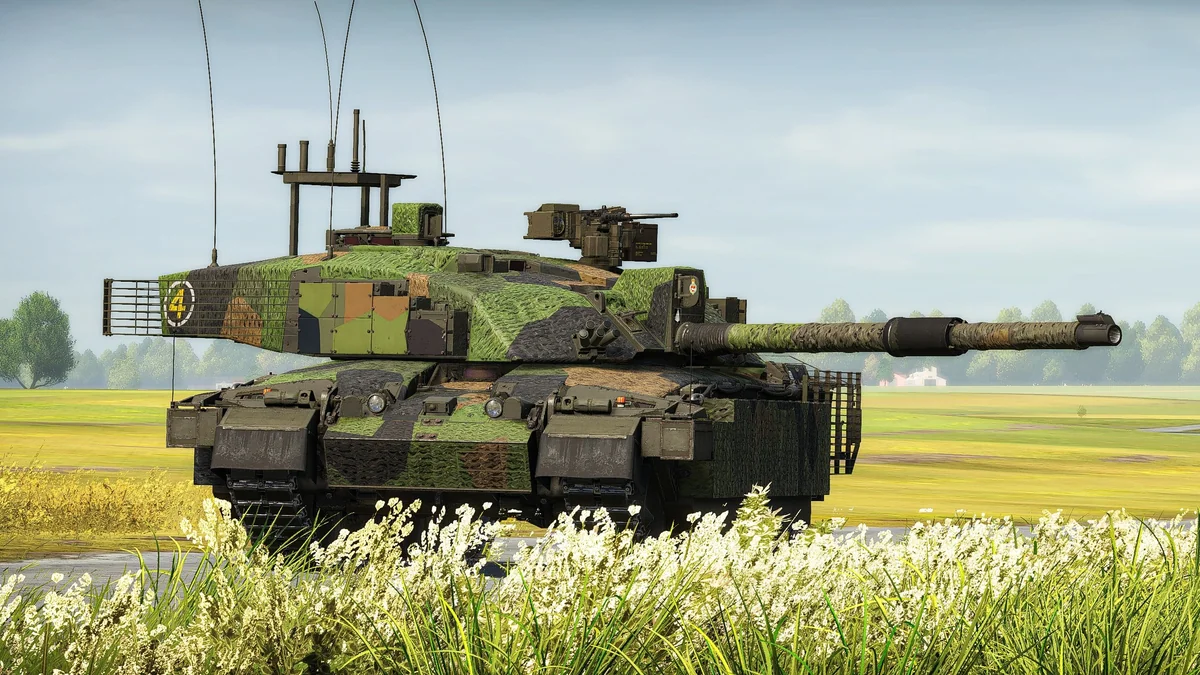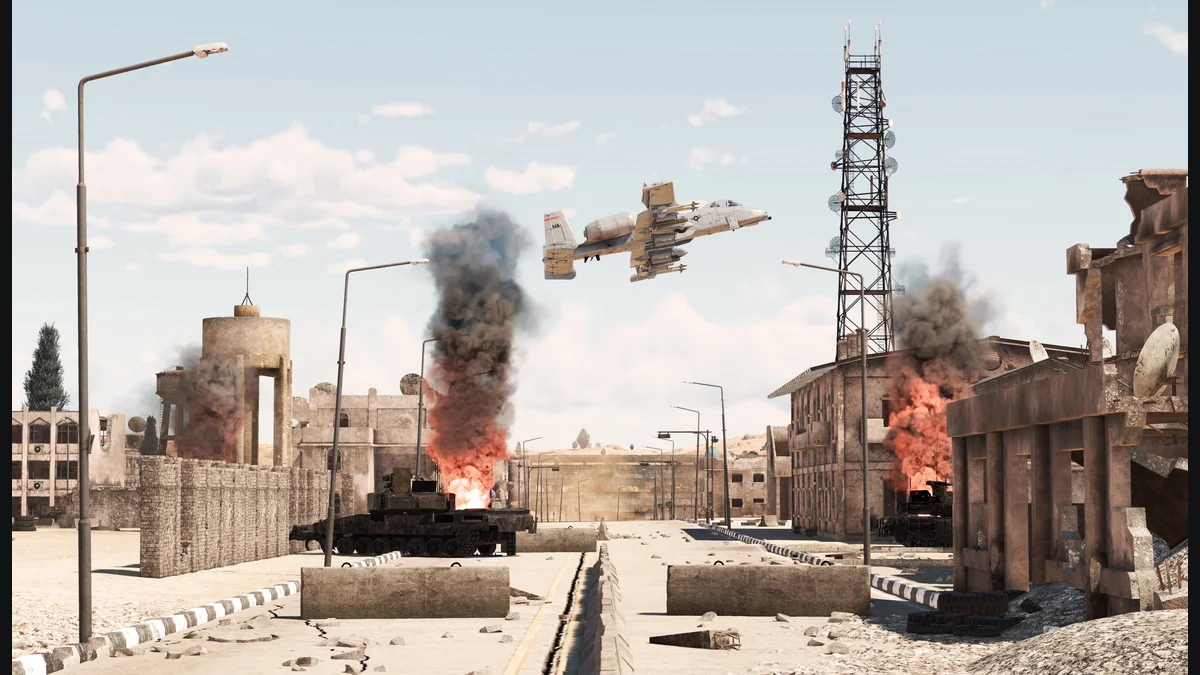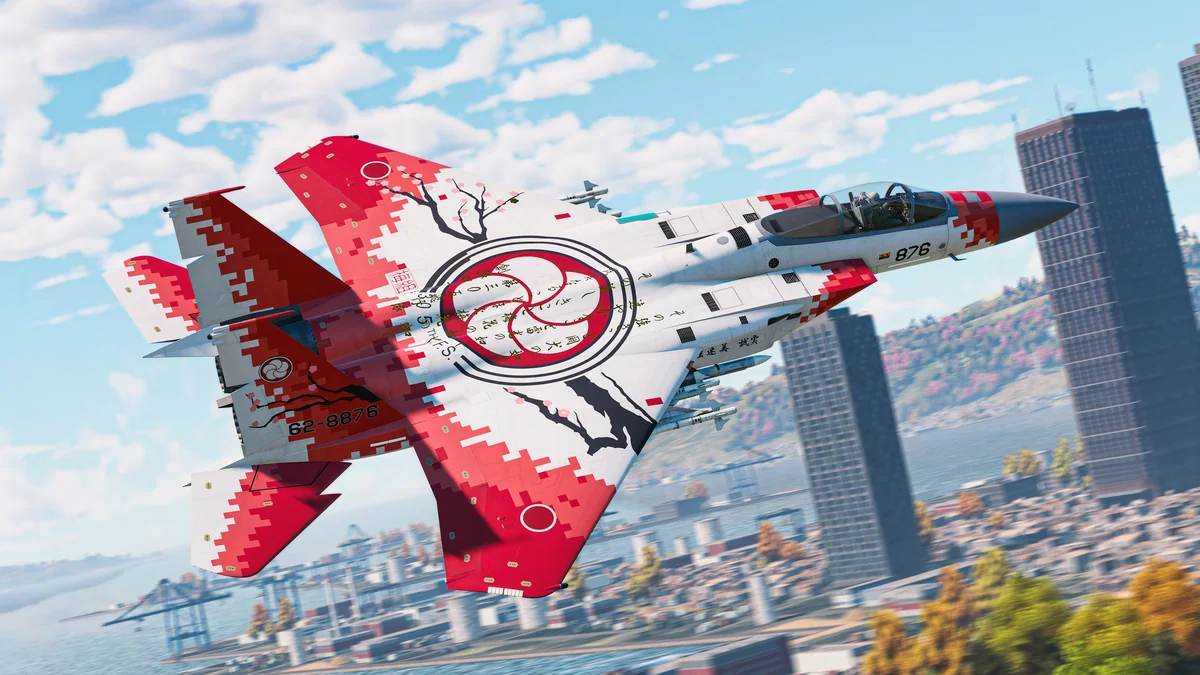
War Thunder's first important planning decision is choosing what you want to learn. Ground battles, air battles and naval play create different demands, and moving between them constantly can make the interface feel harder to understand. Pick one mode for your first learning routine.
A coherent lineup and a clear research goal help you understand the opponents you face and the resources you spend. This research-based guide uses official War Thunder documentation. It does not name a tested best nation, promise earnings or recommend buying your way past the early learning process.
1. Check Battle Rating in the mode you selected
Battle Rating, or BR, represents a vehicle's in-game effectiveness. It is separate from its historical introduction date and can differ between modes. The official guide shows BR on vehicle stat cards and the Research screen, with the matchmaking BR displayed beneath To Battle. Check those indicators after selecting your mode. Official War Thunder matchmaking guide.
Before entering a match, make yourself say which mode you selected and which BR the game displays. That small habit catches a common planning mistake: treating a vehicle as though it has one rating everywhere.
Read the vehicles you intend to use as a group. Ask whether each has a practical job when another is lost or unavailable. You want alternatives you can understand, rather than a lineup whose only familiar vehicle is its newest unlock.
If you change a vehicle or preset, repeat the check. A saved lineup is a convenience, not a substitute for inspecting what you are about to take into battle.
Do not judge the matchmaking from research rank alone. The official rules distinguish rank from the BR used to match opponents. If a battle feels unexpectedly difficult, inspect your mode and displayed lineup rating before concluding that the match is inexplicable.
2. Build around the rules for your battle type
Ground Arcade and Ground Realistic use the highest vehicle BR in the lineup. Air Arcade uses a specific average based on the three highest-rated aircraft. These are different systems; avoid applying a simplified ground-lineup rule to every air mode. Official matchmaking rules.
For a beginner ground lineup, compare the rating and purpose of each vehicle before adding a new one. A newly researched higher-rated vehicle may change the opposition your other vehicles face. Ask whether you have useful supporting choices before making it the center of your lineup.
This is a planning recommendation, not a claim that every slot must carry exactly the same BR. Examine what each vehicle contributes and how comfortable you are using it. A slightly different option may be useful for a job you understand.
Choose one vehicle to study first. Read its information, inspect its controls and work out where you intend to use it. In a ground battle, begin by looking for a position that offers cover and a route away, rather than driving directly toward the first visible opponent.
After a loss, review the encounter before changing the entire preset. Did you expose yourself to another direction, stop without cover or misunderstand how your chosen vehicle handles? Name the decision you can change on the next attempt.
A narrower learning goal helps. “I will check the next approach before crossing” is more useful than “I will get more kills.” It gives you a habit you can practice regardless of the match result.
3. Treat research and ownership as separate decisions
War Thunder's economy includes earnable Silver Lions, premium Golden Eagles and progression through Research Points. Understanding that distinction keeps a new unlock from becoming an automatic spending instruction. Official War Thunder economy guide.
Before committing resources, inspect the current vehicle and crew screens. Record what the next step requires and which balance it uses. Work from the game's current figures rather than assuming that an old guide's costs still apply.
Use a short research plan:
- Pick a vehicle you want for a defined purpose.
- Inspect the path and requirements shown in your tree.
- Check whether it fits the lineup you are learning.
- Review the additional decisions needed to put it into use.
- Keep enough flexibility to continue practicing your current lineup.
Do not scatter attention across several branches simply because every unlocked option looks interesting. A focused path makes it easier to learn what the next vehicle adds. You can explore another branch deliberately after understanding the first.
A premium item also creates a learning task. Before buying one, investigate its intended use, current rating and how it would fit your account. This guide provides no verified US prices, earning estimates or claim that a paid vehicle is suitable for a beginner.
4. Use a short session log
The publisher describes War Thunder as combined military-vehicle combat across land, air and sea, with multiple difficulty settings. Choose the environment you want to learn and remain consistent long enough to notice improvement. Publisher Steam description.
Write down the mode, displayed BR, vehicle and one mistake after a session. If you keep recording the same problem, turn it into the next practice objective. That is more useful than replacing vehicles after every defeat.
Does a higher BR mean an easier game? It changes the capabilities of the vehicle and the opposition. It does not replace practice.
Must I research another nation immediately? Only if that is your chosen goal. Learning a familiar lineup is a reasonable first step.
Check the mode, inspect the lineup and decide what each resource purchase accomplishes. Those habits give your progression a purpose and make unfamiliar battles easier to analyze.
Related War Thunder reading
Sources and research
Research-based guide using official publisher documentation and store descriptions researched October 6, 2026 and rechecked October 8, 2026. Practice and planning recommendations are editorial advice. No hands-on testing, live offer verification or current meta testing was performed. Check in-game descriptions for changing requirements.
- Official War Thunder Wiki: Matchmaking
- Official War Thunder Wiki: Economy
- War Thunder publisher Steam listing
Alex Carter
Gaming Editor & Deals Expert
Alex Carter is a gaming enthusiast and deals editor who helps gamers find the best games, hardware and accessories without overpaying. He covers PC gaming, PlayStation, Xbox, Nintendo and gaming gear.